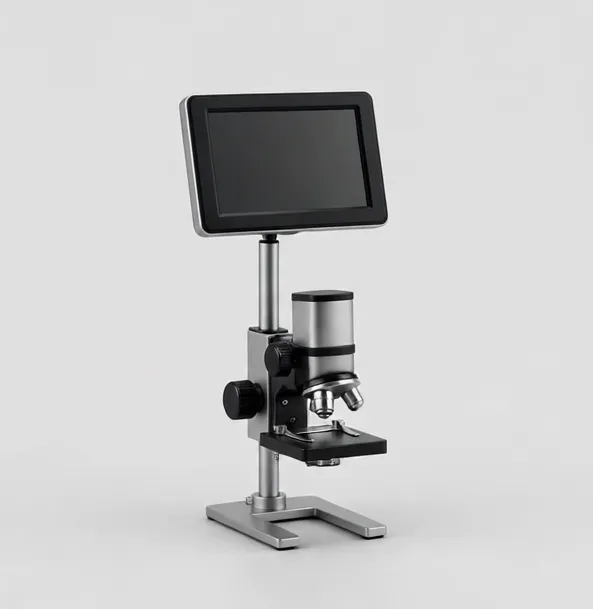
Compact 1080p screen microscope for coins, crafts and first bench work
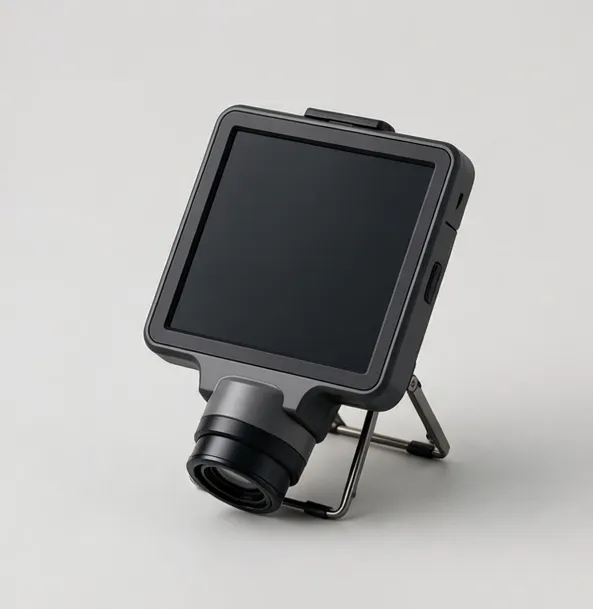
MicroHub ViewPro 4.3" LCD Digital Microscope
4.3-inch LCD50x–1000xWorking distance to 3.5 in
$44.99
Sample catalog — order confirmed by email
A digital microscope replaces the eyepiece with a camera and a screen, and that one change reorganizes the work. Several people can see the specimen at once, photos and video record exactly what you saw, and long sessions stop being an exercise in posture. For coin collectors, repair technicians, teachers and inspectors, that is why digital models have largely taken over the bench.
The first decision is where the image lives. Built-in LCD models are self-contained and start instantly, which suits counters, classrooms and home benches. HDMI models feed a monitor you already own and are the standard for soldering, where low latency matters. USB models treat the computer as the display and add measurement software and easy file handling.
The second decision is how to read the magnification number, because it is the most abused specification in this category. On screen-based microscopes, magnification combines the optical lens with the size of the display and, often, digital zoom. Digital zoom enlarges pixels; it does not add detail. What actually decides image quality is the sensor resolution, the lens, the lighting and the working distance. Every MicroHub listing separates the optical working range from digital zoom so you can compare models on the things that matter.
Working distance — the gap between lens and specimen — decides what you can do under the microscope. Coin viewing needs only an inch or two. Soldering needs three inches or more so an iron, tweezers and hot air can move freely. Check the stated working distance for every model you shortlist, and prefer stands that hold their height without drifting.
Finally, think about light. Flat, even illumination from a ring light or a wide LED base reveals detail that a single small bulb hides, especially on reflective subjects like coins and machined parts. Most disappointment with a new microscope is really disappointment with its lighting, and it is the cheapest part to upgrade later.
Who buys digital microscopes? Collectors documenting purchases, technicians sharing a fault with a customer, teachers showing a class what one student found, inspectors filing evidence. The common thread is that the image must be seen by more than one pair of eyes, or kept. If your work is solitary and hands-on, also read the stereo category before deciding — depth perception is the one thing a screen cannot give you.
Budget honestly across the range. Entry models handle coins, crafts and casual inspection well. Mid-range models add better sensors, sturdier stands and dual lighting — the upgrades you actually notice. Professional camera systems add measurement, autofocus and recording workflows. The stand and the light will shape your daily experience more than any single electronic specification, so weight them accordingly when the prices look close.
One more distinction worth drawing before you shortlist: fixed-stand models versus camera-head models. Fixed stands are simpler and sturdier for a single repeated task — the same coin tray, the same slide routine. Camera heads on arms reposition freely and serve varied benches. Neither is better in the abstract; match the instrument's posture to your work's variety, and the digital microscope stops being a gadget and becomes the bench's default tool.
Support and longevity close the decision. Digital models are electronics: screens, sensors and firmware. Buy where specifications are published in full, compatibility is stated rather than implied, and a real inbox answers questions in writing. MicroHub's listings follow that rule deliberately — every model here states its outputs, its operating-system compatibility and its magnification derivation, because a digital microscope you cannot verify on paper is a lottery ticket with a lens attached.
Compact 1080p screen microscope for coins, crafts and first bench work
$44.99
Sample catalog — order confirmed by email
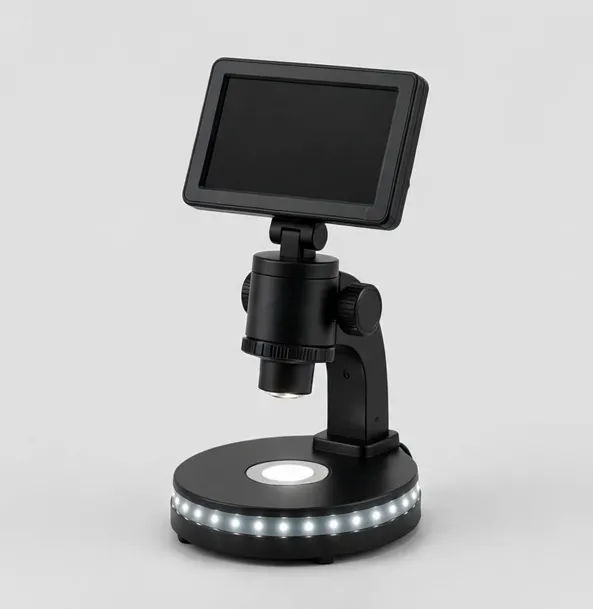
The all-round bench microscope: 7-inch screen, 1080p, LED base
$79.99
Sample catalog — order confirmed by email
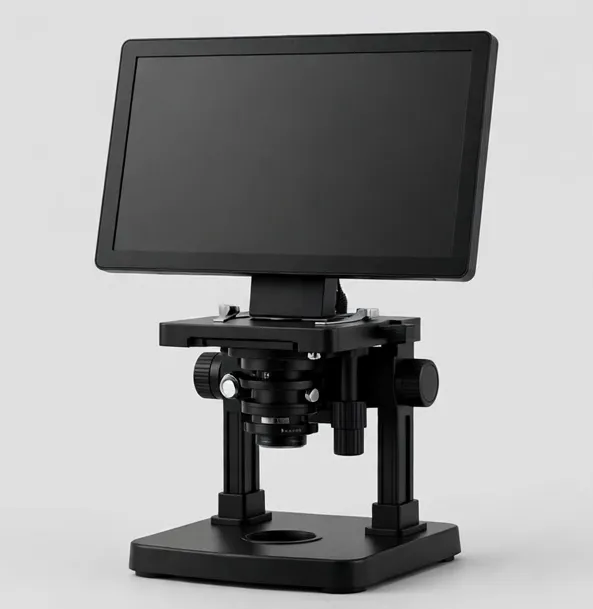
Big-screen 10.1-inch microscope with HDMI output for teaching and shared viewing
$169.99
Sample catalog — order confirmed by email
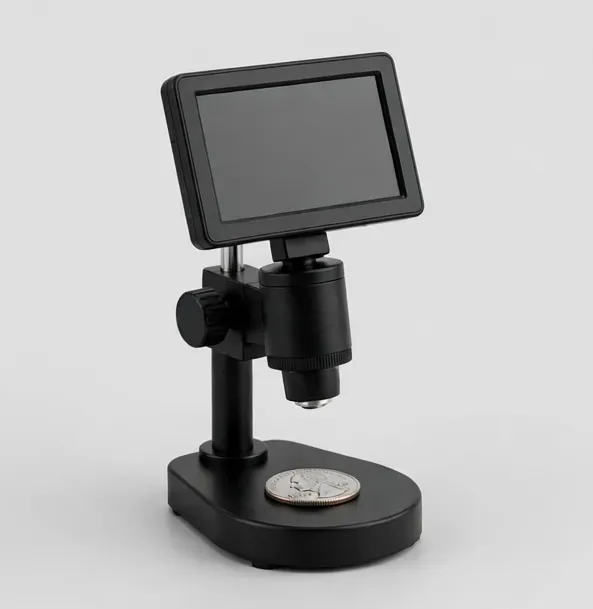
Whole-coin view on screen, with HDMI for closer die and mint-mark study
$119.99
Sample catalog — order confirmed by email
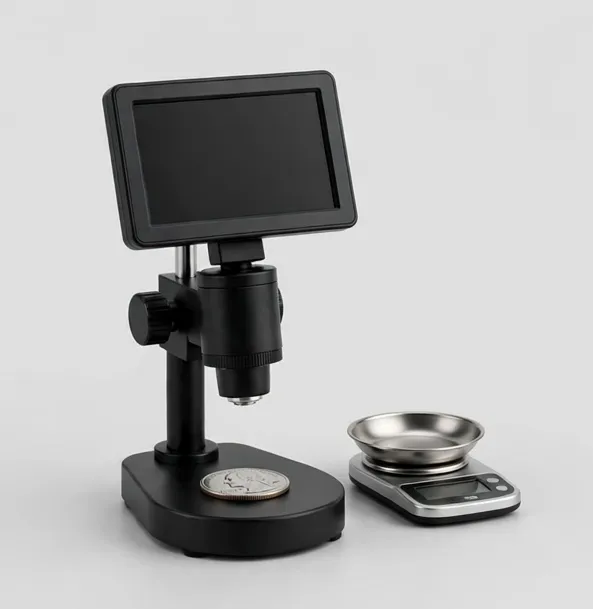
See it and weigh it: 7-inch coin microscope with a 0.001 g bench scale in the box
$129.99
Sample catalog — order confirmed by email
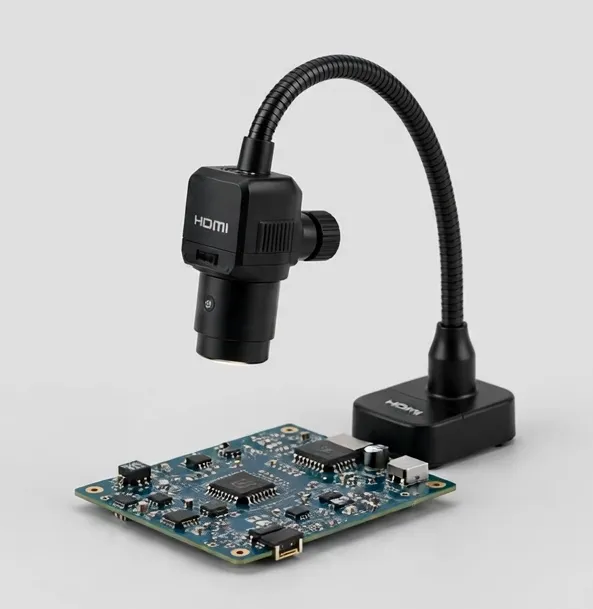
4K HDMI camera microscope on a flex arm — autofocus keeps joints sharp while you work
$289.99
Sample catalog — order confirmed by email
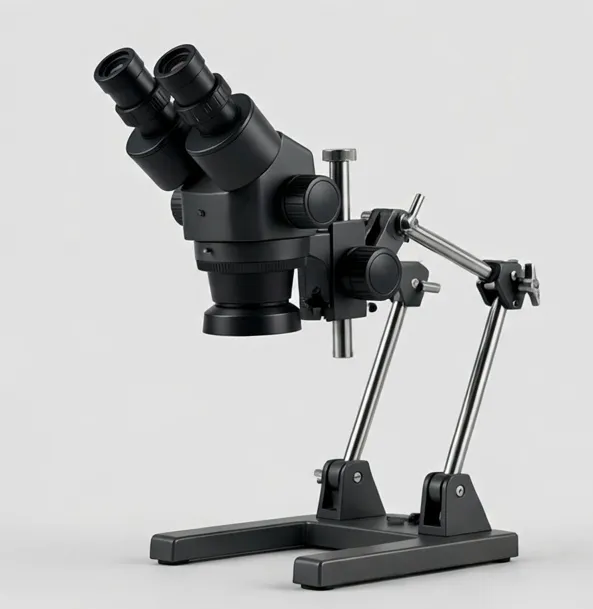
Two lenses, one boom arm: wide board view plus high-power detail, on HDMI and USB
$269.99
Sample catalog — order confirmed by email
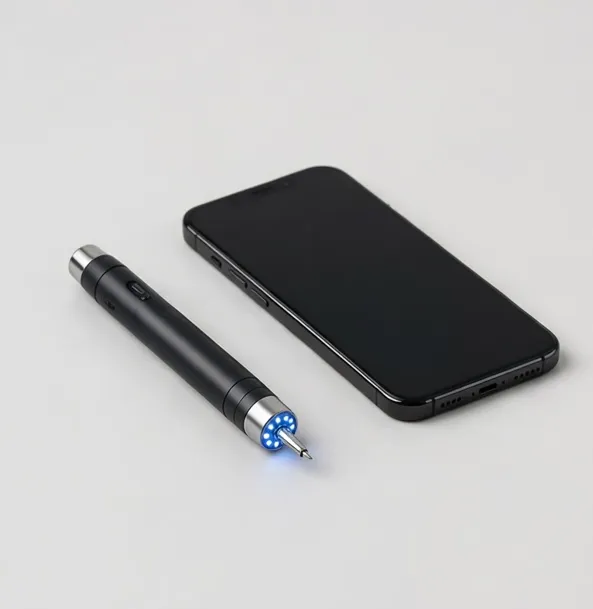
The take-anywhere microscope: live view on your phone, USB at the desk
$39.99
Sample catalog — order confirmed by email
Built-in screen, pocket size: the grab-and-go microscope for the field and the classroom
$39.99
Sample catalog — order confirmed by email
Built-in LCD (4.3–10.1 in) for instant, self-contained use; HDMI for a big shared monitor and the lowest lag; USB when you need measurement software and tidy files.
Compare optical working ranges, not headline numbers. Digital zoom is enlargement, not resolution. A good 1080p sensor behind a decent lens beats a 4K claim behind a poor one.
Coins and slides: short is fine. Soldering and assembly: insist on roughly 3 in (75 mm) or more so tools fit under the lens.
Ring lights and wide LED bases flatten shadows on reflective subjects. Adjustable brightness matters more than raw LED count.
If you document work — QC records, listings, teaching material — confirm the model records to card, USB or both, at the resolution you actually need.
Far less than the marketing suggests. Coins are usually inspected between 10x and 60x on screen; PCB work lives between 10x and 100x; prepared slides want optical 40x–400x. Very high figures are mostly digital zoom, which enlarges without adding detail.
A built-in LCD is simpler and portable, and starts instantly. HDMI to a larger monitor gives a bigger shared image and, on camera-based models, lower latency for hand work like soldering. Choose by how you work, not by spec count.
Yes, when the software supports calibration. You calibrate against a stage micrometer at each zoom setting, then measure on screen. Without calibration, on-screen measurements are estimates only.
Models listed with USB/UVC compatibility appear as a standard camera on macOS and Windows. HDMI models work with any display. Each product page states its compatibility explicitly.
Usually lighting and focus height, not the camera. Add even illumination (a ring light helps), set the working distance the lens was designed for, and clean the lens. Detail follows light.
Still deciding? Try the Microscope Finder or compare models side by side.